National
For Venues: A Winter Visitor Carry-Record Handoff
A venue can help a visitor leave with understandable carry context: club identity, displayed metric, units, and settings the staff can confirm. Bay2Course's role is a golfer-held record, not an assumed vendor connection.
Use this in the app: import the session, keep the clubs in Bag DNA, and compare one shot in Course Mode.
Related Golf Notes: Create a Fall Club Card Before Your Next Simulator Session · Carry vs. Total: Which Number Belongs on Your Club Card? · Normalized Simulator Distance Is Not Tomorrow's Outdoor Yardage
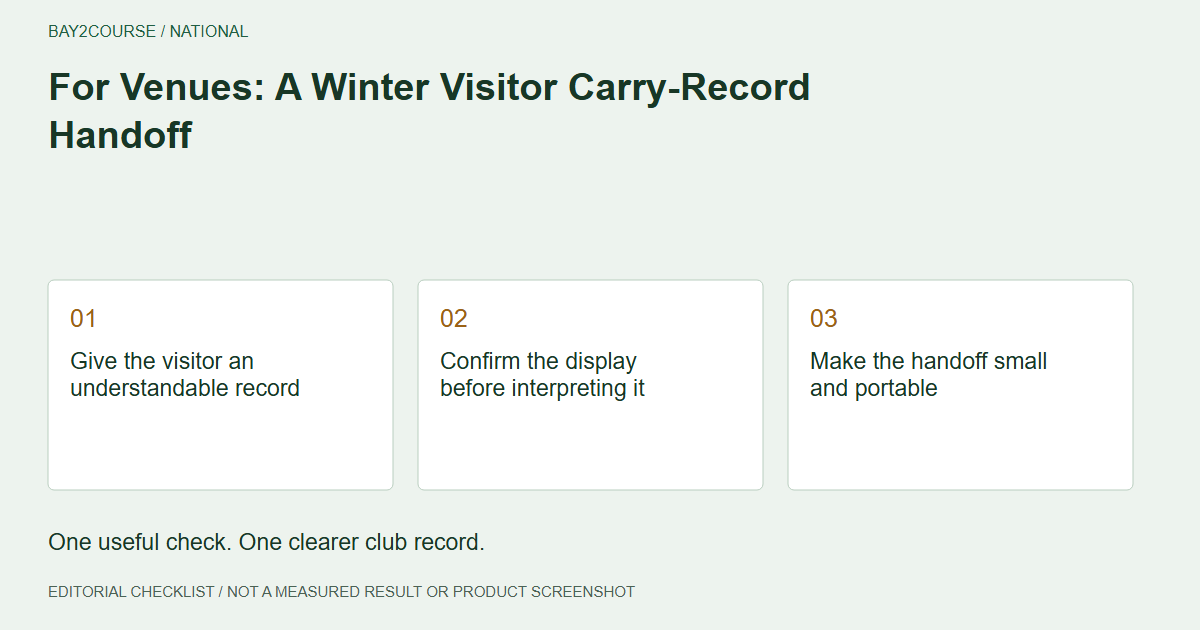
Give the visitor an understandable record
A winter visitor leaving a simulator venue should be able to explain the numbers they take away. For a venue operator, a useful handoff begins with a small set of confirmed facts: which clubs were used, which metric was displayed, what units applied, and which settings staff can identify. This is a proposed service workflow, not a claim about an existing partnership. Its success is a clear record, not an assumed increase in retention or revenue.
Confirm the display before interpreting it
Ask the golfer what they want to retain from the session, then identify the relevant carry display. Clarify the difference if they are looking at total distance instead. Confirm units and any reporting assumptions you can establish for that session. If a setting cannot be retrieved or explained, mark it unknown. A staff member should not guess just to complete the sheet. The visitor needs the truth about the record more than a form with every field filled.
Make the handoff small and portable
Use a separate worksheet for the session date, club identities, ball context, confirmed settings, and unresolved fields. Review it with the golfer before they leave. Avoid copying or photographing another customer's information. If the golfer records a short Bay2Course note, 'Venue carry; settings confirmed' is a fictional example within the 50-character limit, appropriate only when that statement is true. The detailed handoff stays outside the note rather than requiring an unverified export or a long-form app field.
Describe manual continuity honestly
Explain that the golfer can record and share their chosen information. Do not promise that Bay2Course synchronizes with the simulator, imports the venue's report, or gives a coach automatic access. A device name on the worksheet identifies the source, not a technical connection between systems. If the visitor asks how to use an unfamiliar feature, avoid improvising an answer. Keep the handoff focused on the documented record and the sharing action the golfer actually chooses.
End with a destination for the question
Ask whether the golfer expects to review the record with a coach or revisit it during a permitted course check. That question helps distinguish a completed session from the next evidence-gathering step. An indoor reference should not be presented as a guaranteed outdoor distance. Before closing the interaction, ask the golfer to explain the metric and any unknowns back in their own words. If the explanation is unclear, improve the handoff rather than adding more unexplained numbers.
A worked example
DEMO: Fictional manual visitor handoff; not a deployed venue integration.
| Field | Example entry |
|---|---|
| Metric | Carry |
| Units | Yards |
| Club identity | Golfer's own 7-iron, model recorded |
| Session assumptions | Unknown; staff could not confirm |
| Next step | Golfer reviews context with coach |
Common questions
Does the venue need a verified integration for this workflow?
No integration is assumed here. The proposed workflow is staff clarification followed by golfer-led recording and sharing of information they choose to retain.
What should staff do when session settings are unavailable?
Mark the setting unknown and explain that limitation. Do not substitute a usual default or a later setup for evidence of what the visitor's session used.
Sources and further reading
Primary references behind this guide. Local course instructions and current weather take priority over seasonal averages.
Written by Bay2Course, the maker of the app. This is practical record-keeping guidance, not independent equipment testing or a claim of professional coaching credentials. How we prepare and correct guides.
Explore: for venues · how it works · trust