Save visible session numbers from images you choose.
Simulator data
Remember what the sim actually told you.
Bay2Course helps golfers remember what the sim, coach, gear test, and course actually told them, so the next outdoor club choice is less guesswork.
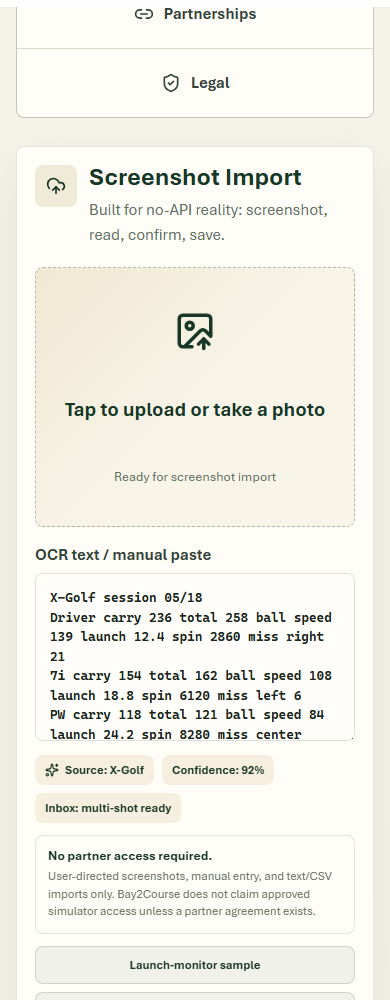
Detected numbers are treated as review material before saving.
Approved stats can feed Bag DNA, equipment notes, exports, and course checks.
Popular launch-monitor guides
If your simulator says one carry number and the course says another, start with the free calculator and the guide for the launch monitor or sim setup you use.
Garmin R10R10 carry numbers to course trust.
SkyTrakSave session numbers and check gaps.
TrackManBridge indoor carry to outdoor proof.
ForesightVisible Foresight metrics in a golfer-owned record.
UneekorSession numbers, coach notes, and outside checks.
Rapsodo MLM2PROReviewed range data and trusted club numbers.
Important boundary
Bay2Course is independent. It does not claim approved partner access, API access, export access, sponsorship, endorsement, or compatibility certification unless a signed partnership is announced.