National: travelers changing practice venues
Two Simulator Venues, Two Carry Numbers: What to Compare
Different carry results need context before interpretation. Compare units, balls, equipment, displayed metric, and known settings; unexplained differences should remain open questions rather than automatic corrections.
Use this in the app: import the session, keep the clubs in Bag DNA, and compare one shot in Course Mode.
Related Golf Notes: Create a Fall Club Card Before Your Next Simulator Session · Carry vs. Total: Which Number Belongs on Your Club Card? · Normalized Simulator Distance Is Not Tomorrow's Outdoor Yardage
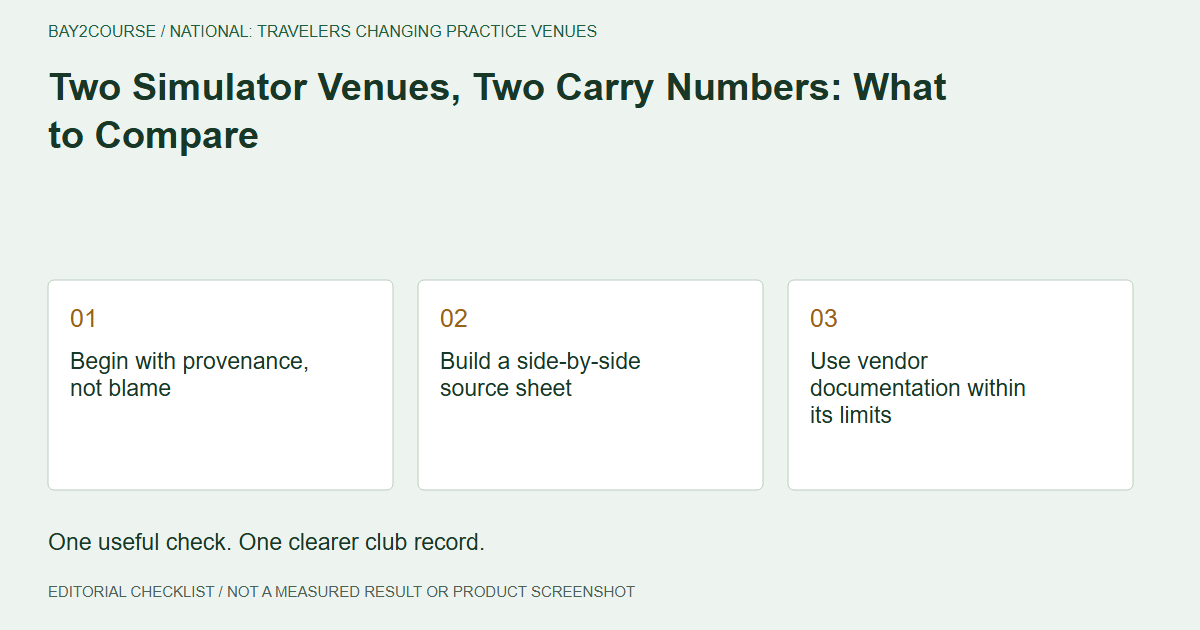
Begin with provenance, not blame
Two simulator venues can leave you with different carry records and an obvious question: which one should you trust? Start by documenting the comparison rather than declaring a venue wrong. A winter traveler may have changed equipment, balls, reporting settings, or even the metric being remembered. Those details need checking before a numerical disagreement becomes an explanation. Keep both observations available while you investigate. Choosing the more flattering result is not a method for deciding which record is useful.
Build a side-by-side source sheet
For each session, list the date, club identity, ball, displayed metric, units, and settings staff can confirm. A venue or device name can identify the source without implying an endorsement or Bay2Course integration. Compare like fields before looking at the difference between the numbers. If one entry is total distance and the other is carry, they are answering different questions. Resolve that distinction before calculating an average or trying to compensate for a supposed venue-to-venue offset.
Use vendor documentation within its limits
Trackman's explanation of normalization illustrates why reporting assumptions can matter. It does not establish what another vendor did, or what settings were used in your particular session. Ask each venue about its own setup instead of transferring an explanation across brands. Where documentation is incomplete, leave the field unknown. A later visit with known settings does not retrospectively prove the earlier session used them. Keep the time and source of the explanation attached to your supporting record.
Ask a neutral, answerable question
A useful request is: can you confirm the metric, units, and reporting assumptions used for my session on this date? That is more specific than asking whether the simulator is accurate. If the venue cannot retrieve the details, record that limit rather than pressing for a guess. A fictional card note such as 'Venue B settings unknown; compare later' fits the 50-character limit. The full side-by-side investigation belongs on a separate worksheet, not inside that short note.
Retest the comparison you actually need
If practical, arrange a better-documented session using the relevant club and ball, and record the setup before starting. Retain the observations rather than selecting a single best shot. Share the new context and unresolved differences with a coach. A calculator can organize the references but cannot identify which venue's number is correct. You may finish with one well-described session and one historical record of limited comparability. That is a more honest outcome than inventing a permanent subtraction between the venues.
A worked example
DEMO: Fictional session-context comparison, not a vendor accuracy test.
| Field | Session A | Session B |
|---|---|---|
| Metric | Carry confirmed | Carry confirmed |
| Ball | Model recorded | Model recorded |
| Reporting assumptions | Documented | Unknown |
| Conclusion | Context available | Clarification needed |
Common questions
Should I average the two venue numbers?
Not before understanding whether they are comparable. An average can hide a metric or settings mismatch instead of resolving it.
Does an unexplained difference prove a simulator is faulty?
No. It identifies a question. Investigate the equipment, metric, units, and available session context before making a claim about the cause.
Sources and further reading
Primary references behind this guide. Local course instructions and current weather take priority over seasonal averages.
Written by Bay2Course, the maker of the app. This is practical record-keeping guidance, not independent equipment testing or a claim of professional coaching credentials. How we prepare and correct guides.
Explore: for venues · trust · for coaches