Southwest: Phoenix area
Cool Starts, Warmer Finishes: Logging a Phoenix November Round
Phoenix Thanksgiving climate normals show a day-night temperature contrast, not a forecast for your round. Keep early and later observations distinct and avoid assigning temperature a fixed yardage correction.
Use this in the app: import the session, keep the clubs in Bag DNA, and compare one shot in Course Mode.
Related Golf Notes: Your First Arizona Winter Round: Start with a Carry Baseline · Overseeded Fairways: Keep Carry and Roll in Separate Notes · Create a Fall Club Card Before Your Next Simulator Session
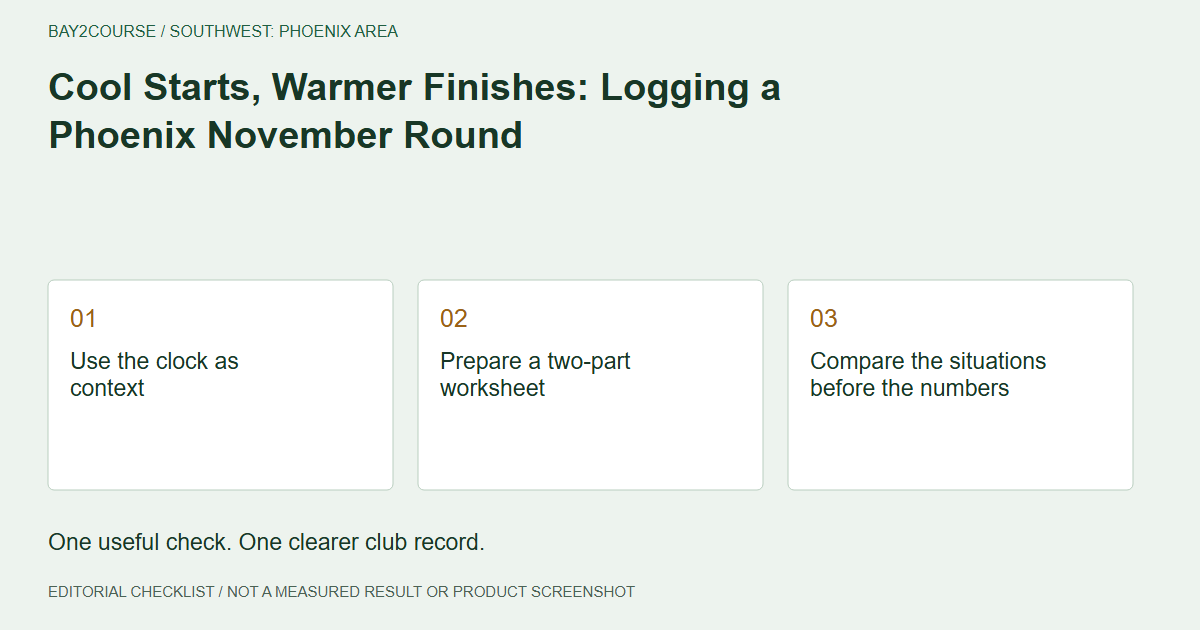
Use the clock as context
An early tee time and a later hole belong to different moments, even within one Phoenix round. Record that timing when reviewing a surprising distance. NWS Phoenix's Thanksgiving climatology provides historical late-November context for a contrast between daily highs and lows. It is not a forecast for your November morning, nor a model for converting temperature into yards. Start with the actual forecast and course information, then describe what happened without assigning the weather an unearned explanation.
Prepare a two-part worksheet
Before leaving, divide a separate sheet into early-round and later-round observations. Leave space for time, club, ball, lie, wind description, and landing visibility. If you record temperature, identify whether it came from a current nearby report or another source. Do not present a forecast value as a measurement at your ball. You may finish with only one useful observation. The two columns are an organizational aid, not a requirement to manufacture a matched pair of shots.
Compare the situations before the numbers
Suppose a fictional early iron shot finishes short of expectations and a later one finishes farther away. That does not isolate temperature. The lies, shot intentions, landing evidence, and other circumstances may differ. Start by asking whether you observed comparable carry at all. If one shot's landing was hidden and only the final position was known, the comparison stops there. You can retain both descriptions without claiming that a warming afternoon created a precise increase in distance.
Make the card note identify the question
Keep the detailed timing comparison outside the card's 50-character note. A fictional note such as 'AM/PM check; lies differed' communicates the limitation clearly. Another useful note is 'Late landing seen; early carry unknown'. Neither forces you to discard the original simulator reference. If the card needs revisiting, preserve its earlier context separately before editing. The aim is to make the next review easier, not to compress an entire round into a number that appears more certain than the evidence.
Choose a repeatable follow-up
Share the two observations with a coach and ask which difference should be clarified first. It may be the original metric, the shot intention, or the quality of the landing estimate rather than anything meteorological. During the next permitted round, look for an ordinary opportunity to answer that question. Do not repeat shots solely to fill the worksheet or wait on restricted turf for conditions to change. A Phoenix winter round remains a round of golf, not a controlled temperature experiment.
Common questions
Can historical normals tell me what my tee-time temperature will be?
No. Normals summarize a historical reference period. Check a current local forecast near the round and distinguish that forecast from any conditions you actually observe.
Should I add yards as the morning warms up?
This recordkeeping method does not prescribe a temperature correction. Keep the circumstances visible and discuss repeated, comparable observations before revising a carry reference.
Sources and further reading
Primary references behind this guide. Local course instructions and current weather take priority over seasonal averages.
Written by Bay2Course, the maker of the app. This is practical record-keeping guidance, not independent equipment testing or a claim of professional coaching credentials. How we prepare and correct guides.
Explore: how it works · trust