National
Share a Club Card Without Sharing More Than You Intended
Review what is visible before sharing a card. Include the source context needed to interpret the numbers, and omit unrelated personal details from the material you choose to share.
Use this in the app: import the session, keep the clubs in Bag DNA, and compare one shot in Course Mode.
Related Golf Notes: Create a Fall Club Card Before Your Next Simulator Session · Carry vs. Total: Which Number Belongs on Your Club Card? · Normalized Simulator Distance Is Not Tomorrow's Outdoor Yardage
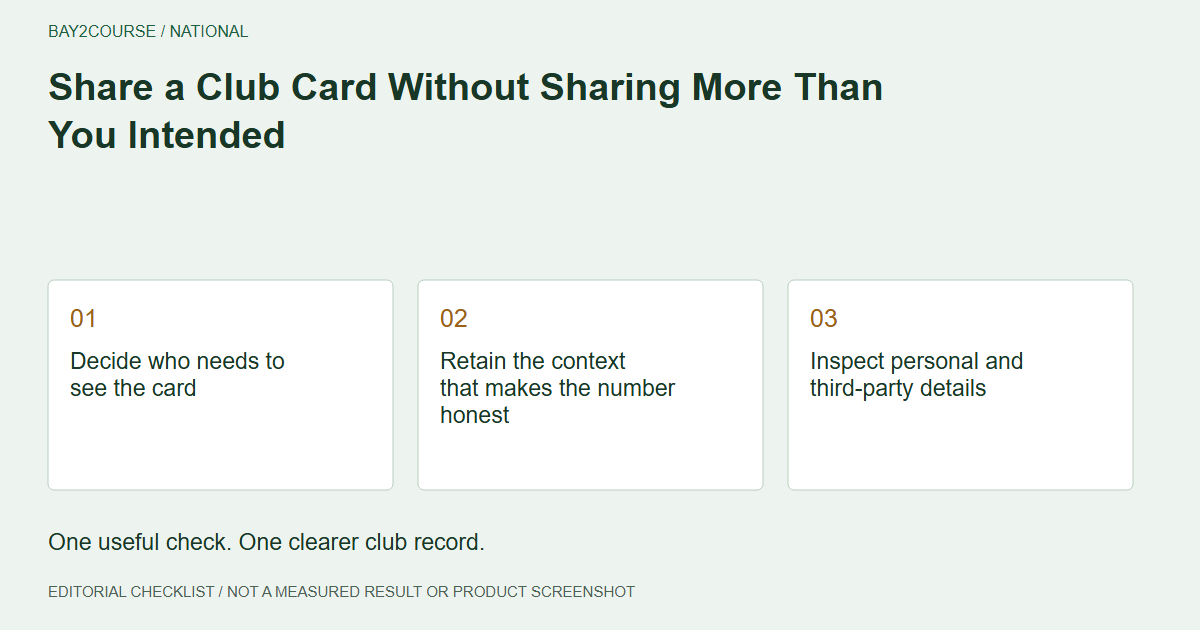
Decide who needs to see the card
Before sharing a club card, identify the recipient and the reason for sharing. A coach reviewing a distance question may need different context from a friend asking which club you used. Start with the purpose rather than sending every record simply because it is available.
At the end of an autumn practice block, a month of notes can include more detail than the immediate question requires. Select the relevant entry and inspect exactly what you intend to send or show. Do not assume that a convenient sharing method automatically limits the information exposed.
Retain the context that makes the number honest
Minimizing irrelevant detail should not mean stripping away essential qualifications. Keep the club, metric label, units, and any uncertainty needed to understand the entry. A number without those details may be shorter to share but easier to misunderstand.
Trackman's carry explainer is one reminder that a distance label has a specific meaning. If your entry is simulator carry, keep that identity. Do not simplify it into an apparently universal outdoor yardage just to make the message cleaner.
Inspect personal and third-party details
Review names, venue details, lesson text, dates, and any surrounding information visible in a screenshot. Remove material unrelated to the recipient's question from the copy you choose to share. Make sure you are not exposing another golfer's report or a private conversation in the background.
Use a fictional example when discussing a card publicly unless you have an appropriate basis to share the real material. This is a practical review habit, not a claim about particular permissions, encryption, expiry, or revocation features in Bay2Course. Consult the trust information for actual product statements.
Make the short note do one job
The 50-character note 'Simulator carry; course check pending' preserves an essential limitation without overwhelming the card. Keep the full explanation in a separate conversation if the recipient needs it. Do not compress the message by deleting the part that says the outdoor check is incomplete.
Read the proposed share as the recipient. Would they understand where the number came from and what you are asking? A focused question such as which observation to review next gives the context a purpose without requiring unrelated session history.
Check the destination before sending
Confirm the recipient or audience immediately before sharing. Review the actual content through the method you are using rather than assuming a draft and its final presentation are identical. If you cannot verify a control, do not rely on it to protect information you would not otherwise disclose.
After the conversation, revisit the card if the question changes or a source label is clarified. Sharing is most useful when it helps the next decision. It should not turn a tentative record into a public claim of verified performance merely because the number has been circulated.
A worked example
DEMO - fictional minimal share content, not a product sharing interface.
| Include | Leave out when irrelevant |
|---|---|
| Club and metric label | Other golfers' records |
| Essential source qualification | Unrelated lesson conversation |
| Focused question | Account or booking details |
| Simulator carry; course check pending | Unsupported outdoor certainty |
Common questions
Should I remove all dates and source details?
Not automatically. Retain what the recipient needs to interpret the evidence, while omitting unrelated information. Removing every qualification can make a number misleading even when the message looks simpler.
Can I assume a shared card link expires or can be revoked?
Do not assume unverified controls exist. Check the current product information and the actual sharing method. Review the content as something the intended recipient may retain.
Sources and further reading
Primary references behind this guide. Local course instructions and current weather take priority over seasonal averages.
Written by Bay2Course, the maker of the app. This is practical record-keeping guidance, not independent equipment testing or a claim of professional coaching credentials. How we prepare and correct guides.
Explore: trust · how it works